

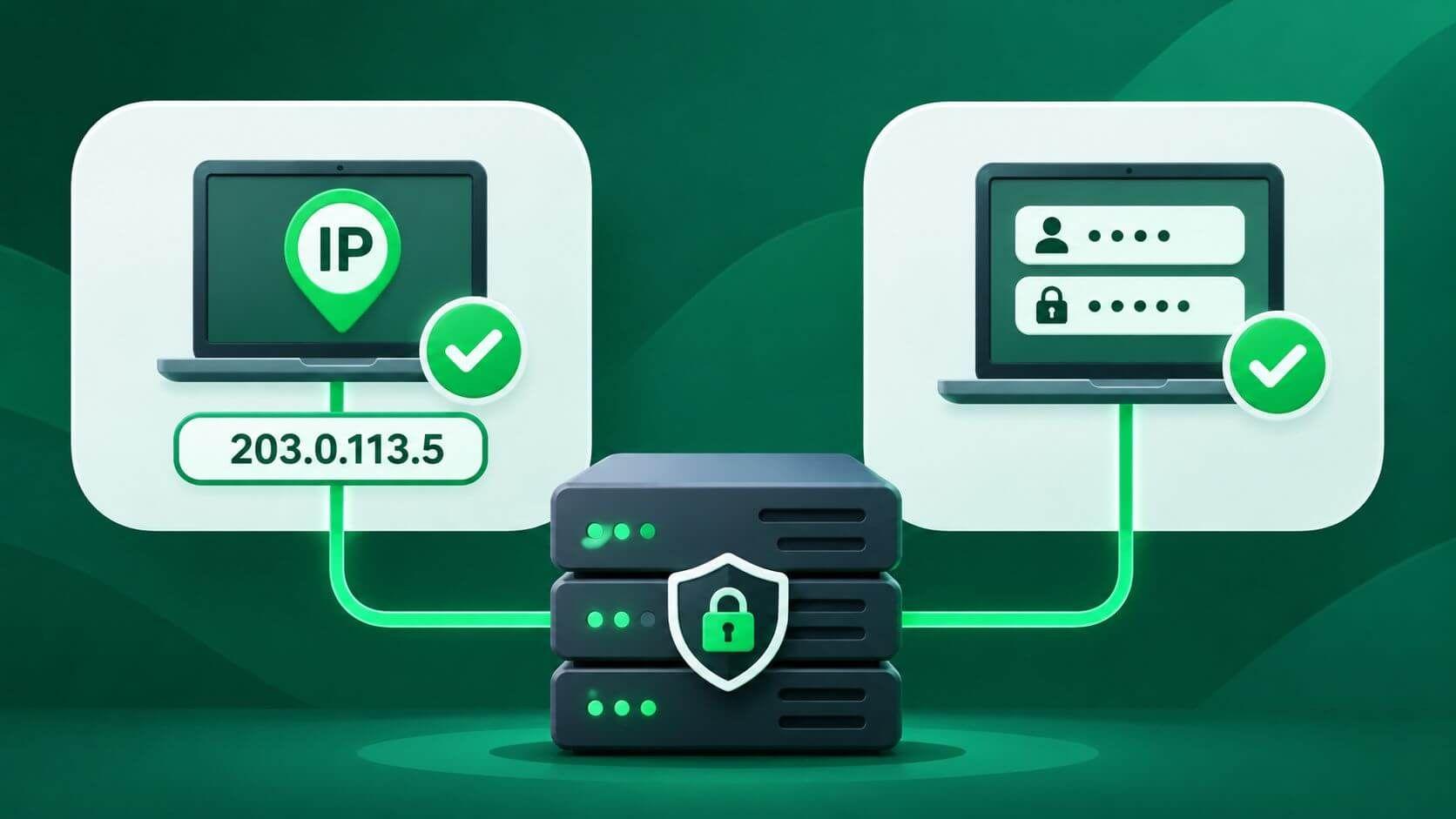
A proxy can have a healthy network connection and still reject every request if the client is not authorized to use it. For crawlers, SEO monitoring, and data collection, authentication is an infrastructure decision.
IP whitelisting (IP allowlisting) grants proxy access based on the public source IP address of the connecting client. Username and password authentication grants access based on credentials supplied to the proxy. The first works particularly well from stable, controlled networks; the second offers flexibility when users or workloads move between networks.
Neither method is universally safer or faster. The choice depends on network ownership, secret handling, and deployment architecture.
For ProxiesThatWork specifically, the published product information lists IP authentication. Its IP authorization guide explains how to approve a source IP; do not assume username/password access is available for every plan.
IP allowlisting permits connections from registered public source addresses.
The sequence is straightforward:
The application needs only a proxy host and port, without transmitting a proxy password.
The address to authorize is your application's internet-facing source IP—not the proxy's outbound IP. If ten workers leave your network through one network address translation (NAT) gateway, the provider may see the gateway's public address for all ten. Conversely, a workload that moves between different egress gateways may require multiple allowlist entries.
An IP address is not an identity. Multiple users may share a gateway, VPN exit, or carrier-grade NAT address; other hosts using that authorized egress may also gain access.
Credential authentication verifies a client-supplied secret. HTTP defines the challenge-and-response process.
A proxy requiring authentication can respond with 407 Proxy Authentication Required and a Proxy-Authenticate header. The client supplies credentials through Proxy-Authorization using a supported authentication scheme. This is different from a website's 401 Unauthorized response and its Authorization header.
Username/password authentication is often implemented using HTTP Basic, which Base64-encodes username:password. Base64 is not encryption. As RFC 7617 explains, Basic credentials require a protected transport, such as TLS, to prevent disclosure on the network.
Credentials suit changing networks or separate team accounts, but require safe issuance, storage, rotation, revocation, and transport. Shared passwords weaken accountability.
| Decision factor | IP allowlisting | Username/password |
|---|---|---|
| Access decision | Connecting public source IP | Supplied proxy credentials |
| Best environment | Known, stable egress addresses | Changing or distributed client networks |
| Client configuration | Proxy endpoint, no proxy password | Endpoint plus credentials |
| Secret exposure | No proxy password sent | Secrets can leak through code, logs, or transport |
| Main failure mode | Source IP changes or is not approved | Missing, invalid, expired, or exposed credentials |
| Shared-network risk | Other systems may share an allowed egress | Shared credentials may spread across systems |
| Revocation | Remove or replace an allowed IP | Disable or rotate an account or credential |
| Audit granularity | Often source-IP-level | Potentially per-user or per-service, if supported |
| Scaling consideration | Manage egress gateways and allowlist updates | Manage secret distribution and lifecycle |
Provider policy determines actual capabilities. Credentials do not guarantee individual accountability or dedicated access.
The answer depends on the threat model.
IP allowlisting removes proxy-password leakage from application configuration and limits access to approved egress points.
But a compromised server behind an approved gateway retains access. Shared offices, VPN exits, and broad IP ranges may authorize unintended devices.
Unique credentials support revocation and auditing, if the provider offers per-credential controls.
Credentials can leak through source control, CI logs, shell history, or screenshots. Use a secret manager and rotate exposed secrets.
An HTTPS destination does not necessarily mean the connection to the proxy is encrypted. With a plain HTTP proxy, a client commonly sends a CONNECT request and then establishes TLS to the destination through the tunnel. That end-to-end TLS protects destination traffic, but does not retroactively protect Basic proxy credentials exchanged with an unencrypted proxy endpoint.
An HTTPS proxy endpoint adds TLS protection between the client and the proxy, subject to correct configuration and certificate validation. Verify the actual protocol your provider supports rather than assuming all services labeled “HTTP/HTTPS proxies” accept TLS connections to the proxy itself.
IP checks can avoid credential processing and, depending on the client and authentication challenge, may avoid an extra authentication round trip. But this is not a universal speed advantage.
Many clients send proxy credentials preemptively or reuse authenticated connections. Target latency, TLS setup, connection reuse, and concurrency often matter more.
Evaluate successful requests per second, connection latency, authentication error rate, and operational effort under comparable conditions. Avoid choosing an authentication method based on unsupported millisecond savings.
Use provider-issued endpoints and permitted test destinations; the hosts below are placeholders.
After adding your server's public egress IP to the provider's allowlist:
curl --proxy http://proxy.example.com:8080 \
  --connect-timeout 5 --max-time 20 \
  https://example.com/
No proxy password is sent. Verify the public source IP, host, and port if access fails.
For a provider that supports Basic proxy credentials, cURL accepts --proxy-user. Omitting the password allows cURL to prompt interactively rather than placing the password directly on the command line:
curl --proxy http://proxy.example.com:8080 \
  --proxy-user example-user \
  --connect-timeout 5 --max-time 20 \
  https://example.com/
For automation, retrieve secrets at runtime. --proxy-user authenticates to the proxy; --user authenticates to the destination. Its proxy authentication documentation describes the supported workflow.
The two examples demonstrate different provider-side authentication configurations. Simply removing or adding credentials does not switch a provider's authentication policy.
A stable cloud egress IP is a strong candidate for allowlisting. Workers can be added or removed behind the same gateway without changing individual proxy configurations. Restrict gateway access and recheck its public IP after changes.
Developers working from home, offices, and mobile hotspots may experience frequent IP changes. Credentials can be less disruptive, provided each user receives appropriately scoped access. Another option is routing approved users through a controlled VPN or bastion with a stable public egress IP.
Autoscaling itself does not require username/password authentication. The important variable is egress architecture. Containers behind a known NAT address are compatible with allowlisting; ephemeral workers with changing public egress may be easier to operate with credentials or a redesigned network path.
Amazon's NAT gateway documentation describes how public NAT gateways can use an associated Elastic IP for outbound internet traffic.
Authentication establishes who may access the proxy service; it is not the same as choosing which proxy exit IP handles an individual request. Rotation, sticky sessions, and pool scheduling are separate controls. For inventory and worker assignment practices, see managing a bulk proxy list.
HTTP 407: Confirm that the proxy expects credentials, inspect the advertised authentication scheme, and check the configured username/password. Some providers may surface an unapproved source IP as an authentication error; others may close or reject the connection without a 407.
Connection refused or timeout: Verify DNS, host, port, local firewall, network routing, and proxy availability. Do not assume every connectivity failure is an authentication failure.
Works locally, fails in production: Compare the public egress IPs. The CI runner, office network, and production NAT may not share one address.
HTTP 403 or 429: Determine whether the response came from the proxy or the destination website. These codes do not automatically indicate bad proxy credentials. The proxy error troubleshooting guide explains how to separate failure layers.
Diagnose in order: source IP → endpoint → authorization mode → permitted test request → response origin → logs.
For readers getting started with ProxiesThatWork, the datacenter proxy setup guide covers the connection, authorization, and first-request checks. Published proxy plans and features list IP authentication for its bulk datacenter offering.
IP allowlisting is one proxy access-control method. Unlike username/password authentication, it authorizes a connection based on its source IP rather than a credential presented by the application.
Use allowlisting when crawling workers have controlled, stable public egress. Credential authentication may be more convenient for workers on changing networks, if supported and securely managed. Neither method alone improves permission to scrape a target website.
Yes, some proxy systems can require both conditions, but this is provider-specific. Confirm whether the two methods are alternatives, simultaneous requirements, or account-level options before configuring clients.
Not necessarily. If multiple systems share one authorized public egress IP, source-IP checks cannot distinguish those systems by themselves. Add appropriate host, network, and identity controls.
The proxy is requesting authentication the client has not successfully provided. Check the configured method, credentials where applicable, and provider policy. Under RFC 9110, a 407 response includes a Proxy-Authenticate challenge.
Yes, but you must update the approved address when your public egress changes. For unattended production jobs, a stable egress IP or controlled gateway generally reduces maintenance.
Choose proxy authentication based on the infrastructure you operate, not a generic claim that one method is always safer. IP allowlisting is operationally simple when egress IPs are stable and trusted. Username/password access can support mobile teams and independently managed clients, but requires disciplined secret handling and secure transport. For larger systems, provider-supported combinations can offer additional controls.
Verify the authentication features of the proxy service you actually use, design your network and credential lifecycle around them, and test failures before scaling request volume.
Nicholas Drake is a seasoned technology writer and data privacy advocate at ProxiesThatWork.com. With a background in cybersecurity and years of hands-on experience in proxy infrastructure, web scraping, and anonymous browsing, Nicholas specializes in breaking down complex technical topics into clear, actionable insights. Whether he's demystifying proxy errors or testing the latest scraping tools, his mission is to help developers, researchers, and digital professionals navigate the web securely and efficiently.