

Proxies That Work logo

Proxies That Work for Twitter: Navigating Online Anonymity and Access

By Jesse Lewis12/27/20255 min read

In today’s digital landscape, online privacy and flexible access to platforms like Twitter (X) are more important than ever. Whether you’re a journalist who values anonymity, a marketer running research campaigns, or a user trying to get around regional blocks, proxy servers can be a key part of your toolkit.

This guide explains the main types of proxies that work well with Twitter, their pros and cons, and how to choose the right option for your workflow—while staying as safe and compliant as possible.

What Are Proxies and Why Do They Matter for Twitter?

A proxy server acts as a middle layer between your device and the internet. When you send a request to Twitter through a proxy:

  • The proxy forwards the request on your behalf
  • Twitter sees the proxy’s IP address instead of your real one
  • Your real location and IP are masked

This can help you:

  • Maintain anonymity and privacy
  • Reduce the risk of IP-based rate limits or soft bans
  • Access Twitter from regions with network or government restrictions
  • Manage multiple accounts more safely by separating them across different IPs

Because Twitter actively monitors suspicious patterns (like many accounts on one IP or aggressive automation), using the right type of proxy is essential for avoiding unnecessary flags.

Types of Proxies Suitable for Twitter

1. Residential Proxies

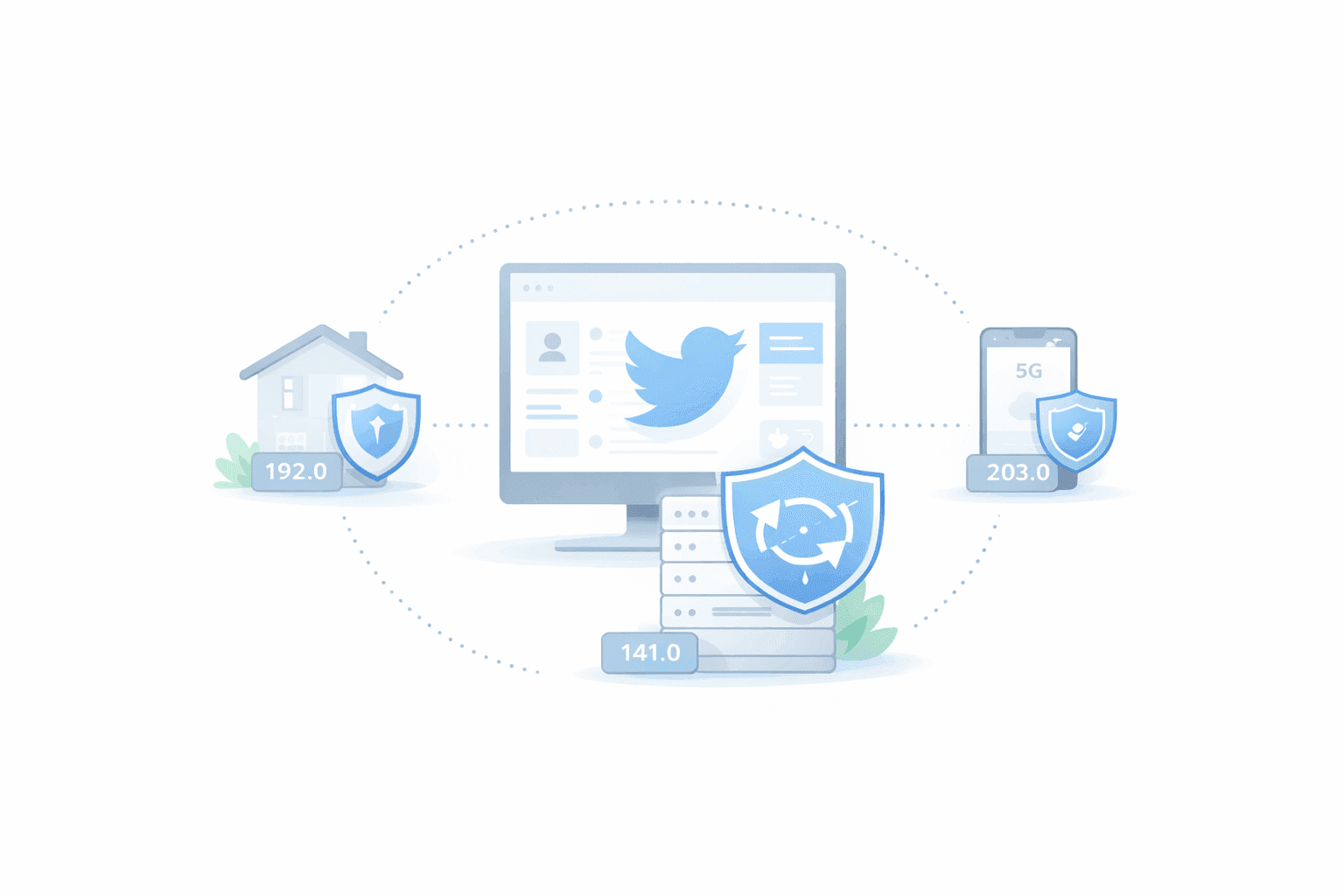
Residential proxies use IP addresses assigned by actual Internet Service Providers (ISPs) to real households. To Twitter, they look like normal user connections instead of servers.

Why they work well with Twitter:

  • Traffic appears to come from real users
  • Less likely to trigger bot or spam filters (when used responsibly)

Advantages:

  • High level of anonymity
  • Low chance of being blacklisted if usage is moderate
  • Strong choice for multi-account management, brand monitoring, and light data collection

Drawbacks:

  • More expensive than datacenter proxies
  • Quality varies widely between providers

2. Datacenter Proxies

Datacenter proxies come from servers in data centers rather than home ISPs. They are usually fast, scalable, and affordable.

Advantages:

  • Very fast connection speeds
  • Cost-effective for higher-volume tasks
  • Easy to scale up (many IPs available quickly)

Disadvantages:

  • Easier for Twitter to recognize as “non-residential”
  • Higher chance of being rate-limited or blocked if you push them too hard
  • Not ideal for sensitive tasks requiring strong disguise as a normal user

Datacenter proxies are often used for high-speed data collection, testing, or monitoring—provided you respect rate limits and platform rules.

3. Mobile Proxies

Mobile proxies use IPs assigned by mobile carriers (3G, 4G, 5G). Because many users share the same IP range from a carrier, these proxies often have a high trust score.

Advantages:

  • Very high trust with many websites
  • Shared IP behavior makes it harder to single out one user
  • Excellent for account management, social media growth, and local testing

Disadvantages:

  • Typically the most expensive option
  • Speeds and stability can vary depending on the provider and carrier

If your Twitter activity is sensitive or mission-critical (e.g., activism, brand safety monitoring, large social operations), mobile proxies can offer a useful extra layer of resilience.

How to Choose the Right Proxy for Twitter

When deciding which proxy type to use with Twitter, keep these core factors in mind:

1. Your Main Use Case

  • Managing multiple accounts

    • Prefer residential or mobile proxies
    • Aim for one account per IP or small, consistent groups of accounts per IP
  • Data scraping, analytics, or monitoring

    • Datacenter proxies can be more cost-efficient and faster
    • Use responsible request rates and respect robots.txt and platform rules
  • Bypassing regional blocks

    • Use residential or mobile proxies from allowed countries
    • Choose locations that match your target audience or legitimate use region

2. Location and Geo-Targeting

Twitter behavior and available content can vary by region. Consider:

  • Selecting IPs from countries where Twitter access is stable
  • Matching your proxy location to your target audience for more natural behavior
  • Avoiding “suspicious” jumps (e.g., rapidly switching from US to EU to Asia within minutes)

3. Rotation and Session Control

How your proxy rotates IPs matters:

  • Sticky/Session IPs: Keep the same IP for a set time—good for account logins and actions that should look like a single user session
  • Rotating IPs: Change IPs frequently—better for bulk data collection and avoiding rate limits

For Twitter account work, you generally want stable session IPs so your activity looks consistent and human.

4. Reliability, Security, and Provider Reputation

Choose a proxy provider that offers:

  • High uptime and consistent speeds
  • Clear documentation and support
  • HTTPS support and secure authentication
  • Transparent policies on logging and data handling

Read reviews, test small batches first, and avoid free or unknown sources that could expose your accounts or traffic.

Benefits of Using Proxies with Twitter

1. Stronger Anonymity and Privacy

By hiding your real IP address, proxies help reduce:

  • IP-based tracking
  • Location profiling
  • Some forms of targeted abuse or harassment

This can be especially important for journalists, researchers, and activists who face safety risks.

2. Access from Restricted or Blocked Regions

If Twitter is limited by:

  • Local network policies (e.g., workplace, school, public Wi-Fi)
  • Government-level restrictions or ISP blocks

Then a properly configured proxy from a different region can help restore access. Always be mindful of your local laws and regulations before doing so.

3. Safer Multi-Account and Automation Workflows

When used carefully, proxies allow you to:

  • Separate accounts across different IPs
  • Reduce the risk of mass bans triggered by all accounts sharing a single IP
  • Test campaigns, creatives, or user flows in different regions

Proxies are not a license to spam or violate Twitter’s rules—but they can help legitimate operations scale more safely.

Best Practices for Using Proxies with Twitter

  • Respect Twitter’s Terms of Service and local laws
  • Keep request rates reasonable and human-like
  • Avoid logging in to the same account from many different IPs in a short time
  • Protect login credentials and API keys; never share them with untrusted tools
  • Regularly review account health (email alerts, login notifications, unusual activity)

Frequently Asked Questions (FAQ)

1. Is it legal to use proxies with Twitter?

In many countries, using proxies for privacy, testing, or business workflows is legal. However, how you use them matters. Activities like harassment, fraud, or hacking remain illegal regardless of whether you use a proxy. You should also review Twitter’s Terms of Service and your local laws to ensure your use case is compliant.

2. Which proxy type is best for running multiple Twitter accounts?

For managing multiple accounts, residential or mobile proxies are usually the best choice because they:

  • Look like real users to Twitter
  • Are less likely to trigger automated fraud or bot filters when used responsibly

Datacenter proxies can still work but tend to carry higher risk for multi-account setups.

3. Can I use free proxies for Twitter?

Free proxies are generally not recommended for Twitter because they often:

  • Have poor speed and uptime
  • Are already abused or blacklisted
  • May log or intercept your traffic, exposing your credentials

Paid, reputable providers are far safer for any serious account or business use.

4. How many Twitter accounts can I safely run per IP?

There is no official “safe number,” but as a rule of thumb:

  • 1 account per IP is the lowest-risk setup
  • If you must group accounts, keep the number small and consistent
  • Avoid logging dozens of unrelated accounts from the same IP, especially in a short time

Always monitor account health and adjust your setup if you notice an increase in locks, CAPTCHA challenges, or bans.

5. Do proxies guarantee my Twitter accounts won’t get banned?

No. Proxies reduce IP-related risk, but they do not override:

  • Spammy behavior
  • Aggressive automation
  • Policy violations or low-quality content

Account bans depend on a combination of signals, including behavior, content, IP reputation, and device/browser fingerprints. Proxies are just one part of a safer strategy, not a guarantee.

6. How do I connect a proxy to my Twitter tools or browser?

In most cases, you:

  1. Get the proxy IP, port, username, and password (if required) from your provider
  2. Enter these details in your browser settings or Twitter automation tool’s proxy configuration section
  3. Test the connection by visiting a “what is my IP” site to confirm the new IP is active
  4. Log in to Twitter and use the account normally, watching for any warnings or login alerts

Always secure your proxy credentials and avoid sharing them with unknown apps or services.

Proxies That Work for Twitter: Navigating Online Anonymity and Access

About the Author

J

Jesse Lewis

Jesse Lewis is a researcher and content contributor for ProxiesThatWork, covering compliance trends, data governance, and the evolving relationship between AI and proxy technologies. He focuses on helping businesses stay compliant while deploying efficient, scalable data-collection pipelines.

Proxies That Work logo
© 2025 ProxiesThatWork LLC. All Rights Reserved.