

Modern websites don’t just look at your IP address. They fingerprint your browser, correlate sessions, and combine dozens of signals to decide whether you’re a normal user or an automation script. That’s where anti-detection browsers come in.
Instead of spinning up thousands of “normal” Chrome profiles by hand, anti-detect tools generate realistic, isolated browser fingerprints you can reuse across accounts, projects, and teams. Paired with a solid proxy layer, they can dramatically improve your success rates for account management, social media workflows, and higher-risk scraping.
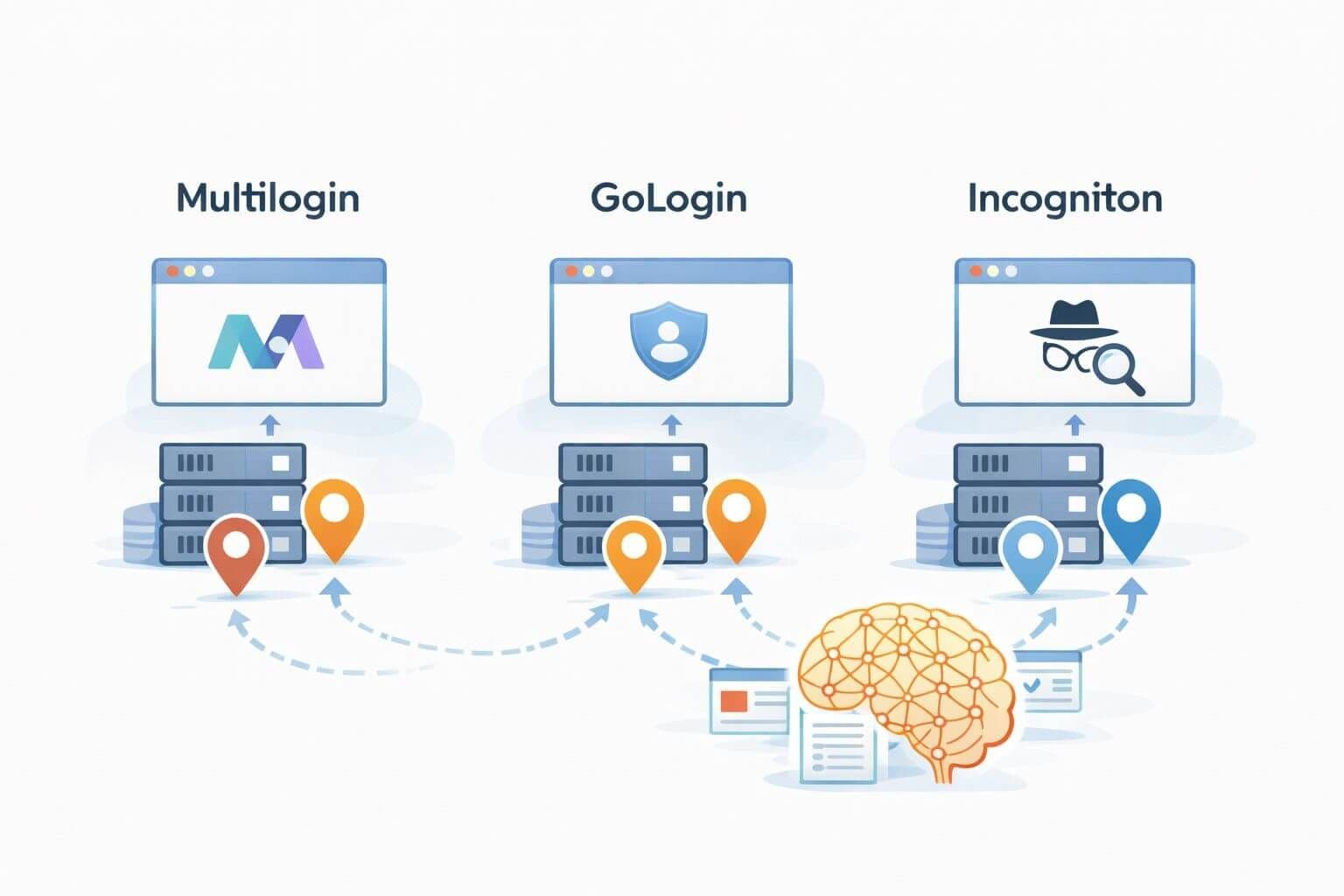
This guide compares leading tools like Multilogin, GoLogin, and Incogniton, explains where anti-detect browsers actually help, and shows how to choose the right option for your automation stack.
What is an anti-detection browser?
An anti-detection browser (or anti-detect browser) is a specialized browser environment designed to:
- Randomize and stabilize browser fingerprints (User-Agent, WebGL, Canvas, fonts, time zone, hardware, etc.).
- Isolate profiles so one account’s behavior is not linked with another.
- Integrate smoothly with proxies and automation frameworks.
- Make each profile look like a distinct, legitimate user.
Instead of running “one Chrome for everything,” you manage dozens or hundreds of browser profiles, each with:
- Its own proxy (datacenter, ISP, residential, or mobile).
- Its own fingerprint and environment.
- Its own cookie jar, local storage, and session history.
Used correctly, anti-detection browsers help:
- Reduce bulk bans in sensitive environments (social media, marketplaces, ticketing).
- Simulate real users from many regions.
- Separate client accounts or business units cleanly.
When you should (and shouldn’t) use anti-detection browsers
Anti-detection browsers are powerful, but they’re not a magic shield.
They make sense when:
- You manage many logged-in accounts on the same platforms.
- You need long-lived sessions with consistent fingerprints.
- You run social media automation, marketplace operations, or ad verification where standard headless Chrome dies quickly.
- You collaborate across a team and need shared access to profiles.
They are often overkill when:
- You scrape simple, public pages with no login.
- You just need fast API-style HTTP requests (where a Python/Node HTTP client plus proxies is enough).
- You don’t need persistent sessions or complex UI flows.
If all you need is fast data collection on public pages, start with libraries and proxies. Move to anti-detection browsers when:
- You see persistent, fingerprint-based blocking.
- You run at account-level risk (e.g., business-critical seller accounts).
- You need to mimic full user behavior (scrolling, clicks, CAPTCHAs, etc.).
Key evaluation criteria: how to choose an anti-detect browser
Before picking Multilogin, GoLogin, Incogniton, or any alternative, evaluate tools across these dimensions.
Fingerprint quality and control
- How realistic are the default fingerprints?
- Can you lock fingerprints for stable long-term profiles?
- Does the tool provide clear controls over:
- Time zone and locale
- OS and browser version
- Hardware (RAM, cores, GPU)
- Fonts, WebGL, Canvas, WebRTC
Profile and team management
- Can you group profiles by client, project, or campaign?
- Is there role-based access for team members?
- Can you share profiles without leaking raw credentials?
- Are there limits on number of profiles or simultaneous sessions?
Automation hooks
- Native support or documented patterns for:
- Puppeteer / Playwright
- Selenium / WebDriver
- REST APIs / local debugging ports
- Is the automation story stable and well supported, or a hack?
Proxy integration
- Per-profile proxy settings (HTTP, HTTPS, SOCKS5).
- Easy configuration for datacenter, ISP, residential, and mobile proxies.
- Ability to rotate proxies or change them without rebuilding the profile.
This is where a strong proxy provider becomes critical. A typical pattern is:
- Anti-detection browser profiles for identity & fingerprint.
- Proxies from a provider like ProxiesThatWork for IP diversity and geolocation.
Performance, UX, and stability
- Does the app feel smooth with hundreds of profiles?
- How quickly can you clone, edit, and launch profiles?
- Are there issues with random crashes or CPU spikes?
Pricing and licensing
- Per-seat vs per-profile pricing.
- Cloud storage vs local-only storage.
- Fair usage and automation limits.
Here’s a high-level comparison of some of the most widely used anti-detection browsers.
| Tool |
Primary Use Cases |
Engine / Base Browser |
Automation Support |
Team & Cloud Features |
Best For |
| Multilogin |
Agency-grade account management, ecom |
Chromium & Firefox variants |
Playwright, Puppeteer, Selenium patterns |
Strong team sharing, cloud profile sync |
Agencies and power users with big budgets |
| GoLogin |
Social media, affiliate, marketplaces |
Chromium-based custom browser |
Puppeteer, Playwright via API / drivers |
Cloud profiles, multi-user support |
Teams that want balance of cost and features |
| Incogniton |
Social media, small/medium businesses |
Chromium-based |
Selenium / WebDriver patterns |
Local + cloud sync tiers, team options |
Solo operators and small teams |
| AdsPower |
E-commerce, ad accounts, marketplaces |
Chromium-based |
Automation APIs, RPA hooks |
Strong account grouping and labeling |
Sellers and ad buyers at scale |
| Kameleo |
Research, security, varied use cases |
Chromium & Firefox variants |
Selenium, Puppeteer integrations |
Mix of desktop/mobile profile options |
Users needing mobile fingerprint simulation |
You don’t have to pick only one tool forever, but most teams standardize on a single platform to simplify onboarding, support, and automation scripts.
Multilogin: high-control profiles and enterprise workflows
Multilogin has been a pioneer in the anti-detect browser space and is widely used by agencies and large teams.
Strengths
- Deep control over fingerprint parameters and profile templates.
- Multiple browser engines for different detection surfaces.
- Mature team features:
- Shared workspaces
- Profile permissions
- Cloud backups and sync
- Good documentation around automation with Playwright and Puppeteer.
Trade-offs
- Higher price than some alternatives, especially at scale.
- Steeper learning curve; more knobs and options to understand.
- Overkill if you only need a handful of profiles.
Best fit
Choose Multilogin when:
- You manage many critical accounts and need a long-term, stable solution.
- You can invest engineering time to build robust automations around it.
- You value fine-grained fingerprint control more than lowest possible cost.
GoLogin: accessible, automation-friendly anti-detection browser
GoLogin positions itself as a more accessible anti-detect browser with a strong emphasis on usability and automation.
Strengths
- Simple UI and relatively fast learning curve.
- Good balance of features vs price for small to medium teams.
- Cloud-based profiles with easy sharing and backup.
- Documented patterns for Node.js automation (Puppeteer/Playwright).
Trade-offs
- Less granular fingerprint control compared to the most advanced tools.
- Some advanced automation features may require extra configuration.
- Feature set and pricing tiers can change, so you must keep an eye on limits.
Best fit
Choose GoLogin when:
- You need to scale social media or marketplace accounts without heavy enterprise requirements.
- You want clean integration with JavaScript automation frameworks.
- You prefer a simpler interface and don’t need the deepest possible control.
Incogniton: focused on account management and ease-of-use
Incogniton is popular among social media managers, affiliates, and small e-commerce teams.
Strengths
- Friendly interface with quick profile creation and templates.
- Good per-profile proxy configuration and cookie management.
- Local + cloud storage options, depending on your tier.
- Clear documentation around practical workflows (social, ecom, etc.).
Trade-offs
- Automation support is often more manual (e.g., Selenium/WebDriver patterns).
- Team collaboration features may be less extensive than enterprise-focused tools.
- Primarily Chromium-based; fewer engine choices than some competitors.
Best fit
Choose Incogniton when:
- You primarily do manual or semi-automated account management, not full-scale scraping.
- You want a straightforward tool for a small or mid-sized crew.
- You care more about day-to-day usability than deep, scripted integration.
Other noteworthy anti-detection browsers
Beyond the “big three” above, there are several other tools:
- AdsPower – Strong focus on e-commerce and advertiser workflows, with robust account grouping and labeling.
- Kameleo – Offers both desktop and mobile-like profiles, useful when you need to simulate mobile devices.
- Octo Browser, Undetectable Browser, and others – Evolving ecosystem with different pricing and automation philosophies.
For most teams, it’s wise to shortlist 2–3 tools, run practical trials on your core workloads, and compare:
- Ban rates
- Fingerprint stability
- Usability for your non-technical users
- Automation stack fit
How anti-detection browsers and proxies work together
An anti-detect browser by itself can’t hide your IP address; it focuses on browser-level identity. To get consistent results, you combine:
Anti-detection browser
Controls fingerprint, user agent, hardware, time zone, and session state.
Proxy layer
Provides IP diversity, regional targeting, and exit nodes for each profile.
A typical pattern:
- Assign one proxy per profile (datacenter, ISP, residential, or mobile).
- Use cheap datacenter or ISP proxies for lower-risk tasks.
- Reserve mobile or residential IPs for the strictest platforms, if allowed.
- Map proxy groups to customer projects or internal teams.
This is where a provider like ProxiesThatWork fits in: you maintain a clean, reliable proxy layer while letting your anti-detect browser handle fingerprints and sessions.
Architecture patterns for automation with anti-detect browsers
There are three common architecture patterns:
Semi-manual operations
- Operators log into the anti-detection browser interface.
- They open profiles manually and perform tasks by hand (posting, replying, reviewing).
- Proxies are configured per profile.
- Useful where full automation is too risky or against platform rules.
Scripted browser control
- Use Puppeteer, Playwright, or Selenium to control anti-detect browser instances.
- Profiles are created and configured via the anti-detect tool, then referenced by ID or local endpoint.
- Good fit for repeatable workflows like:
- Login and basic checks
- Fetching specific dashboard data
- Structured interactions
Hybrid orchestration
- Central controller service manages:
- Which profile to use
- Which proxy pool to assign
- Which job or script to run
- Anti-detect browser runs as a service on worker nodes, each attached to proxy pools.
- Suitable for higher-scale, higher-budget operations with engineering resources.
Whichever pattern you adopt, treat your anti-detect browser as another infrastructure component: version it, monitor it, and encapsulate it behind predictable APIs or scripts.
Best practices for safe, sustainable use
Anti-detection browsers can be misused. To protect your infrastructure and reputation:
- Respect platform terms and local laws; avoid abuse and deceptive behavior.
- Keep concurrency realistic; high parallelism plus aggressive behavior is a red flag.
- Spread risk: separate high-risk experiments from critical business accounts.
- Log what you do: which profile, which proxy, which site, which action.
- Monitor ban rates; if they spike, scale back or pause and review behavior.
Combine anti-detect techniques with broader best practices:
- Use proxy rotation and pool management for healthier IP distribution.
- Implement backoff when encountering 429 (Too Many Requests) or 403 (Forbidden) responses.
- Keep browser and fingerprint templates reasonably up to date; outdated versions stand out.
Frequently Asked Questions about Anti-Detection Browsers
Are anti-detection browsers legal?
Anti-detection browsers are tools. Legality depends on how you use them. Using them for legitimate business workflows, testing, or research on publicly accessible data can be compliant, especially when you respect terms of service and privacy laws. Using them to deceive, abuse, or access accounts without permission can be illegal or contractually prohibited.
Do I still need proxies if I use an anti-detection browser?
Yes. The browser controls fingerprint and environment; proxies control IP and geolocation. For serious multi-account work, you generally need both: an anti-detect browser for profiles and a proxy layer for clean, region-appropriate IPs.
Which anti-detection browser is best for social media automation?
There is no single “best,” but many operators lean toward tools like GoLogin, Incogniton, or AdsPower because they combine account-oriented workflows with straightforward profile management. For larger agencies with complex needs, Multilogin is common. Whichever you choose, keep automation conservative and aligned with platform policies.
Can anti-detect browsers prevent all bans?
No. They reduce fingerprint-based detection, but they cannot hide harmful behavior. Platforms monitor click patterns, content, complaint rates, payment methods, and more. If the behavior itself looks abusive or violates rules, bans can still occur regardless of how good your fingerprints and proxies are.
How many profiles can I safely run per proxy?
A conservative rule is one long-lived account per IP for high-risk platforms. For lighter tasks and less strict sites, you might relax that to a few profiles per IP. In general, the stricter the platform, the more important one-to-one mapping between account and IP becomes.
Should I build my own anti-detect solution instead?
Most teams are better off starting with a commercial anti-detection browser. Building and maintaining your own fingerprinting system is complex, fragile, and time-consuming. Once you have very large scale and a mature engineering org, you can revisit this question.
Conclusion: choosing the right anti-detection browser for your stack
Anti-detection browsers are powerful tools for teams that operate many accounts or need to simulate realistic users at scale. They don’t replace proxies and good behavior, but they complement them by giving you:
- Stable, realistic browser fingerprints
- Isolated, reusable profiles per account or client
- Better control over how automation appears to target platforms
If you’re a solo operator or small team, starting with a tool like GoLogin or Incogniton is often enough. For agencies, marketplaces, and larger operations, Multilogin or similar enterprise-oriented platforms may be the better long-term fit.
Whichever route you choose, pair your anti-detect browser with a reliable proxy layer. Provider-agnostic tools are easiest to integrate with dedicated datacenter or ISP proxies, so you can grow from small experiments to production-grade workflows without rebuilding everything.
As you refine your stack, regularly revisit three questions:
- Are our success and ban rates improving?
- Are we staying within legal and ethical boundaries?
- Are we investing our engineering time where it matters most?
If you can answer “yes” to all three, your anti-detection browser choice is doing its job.