

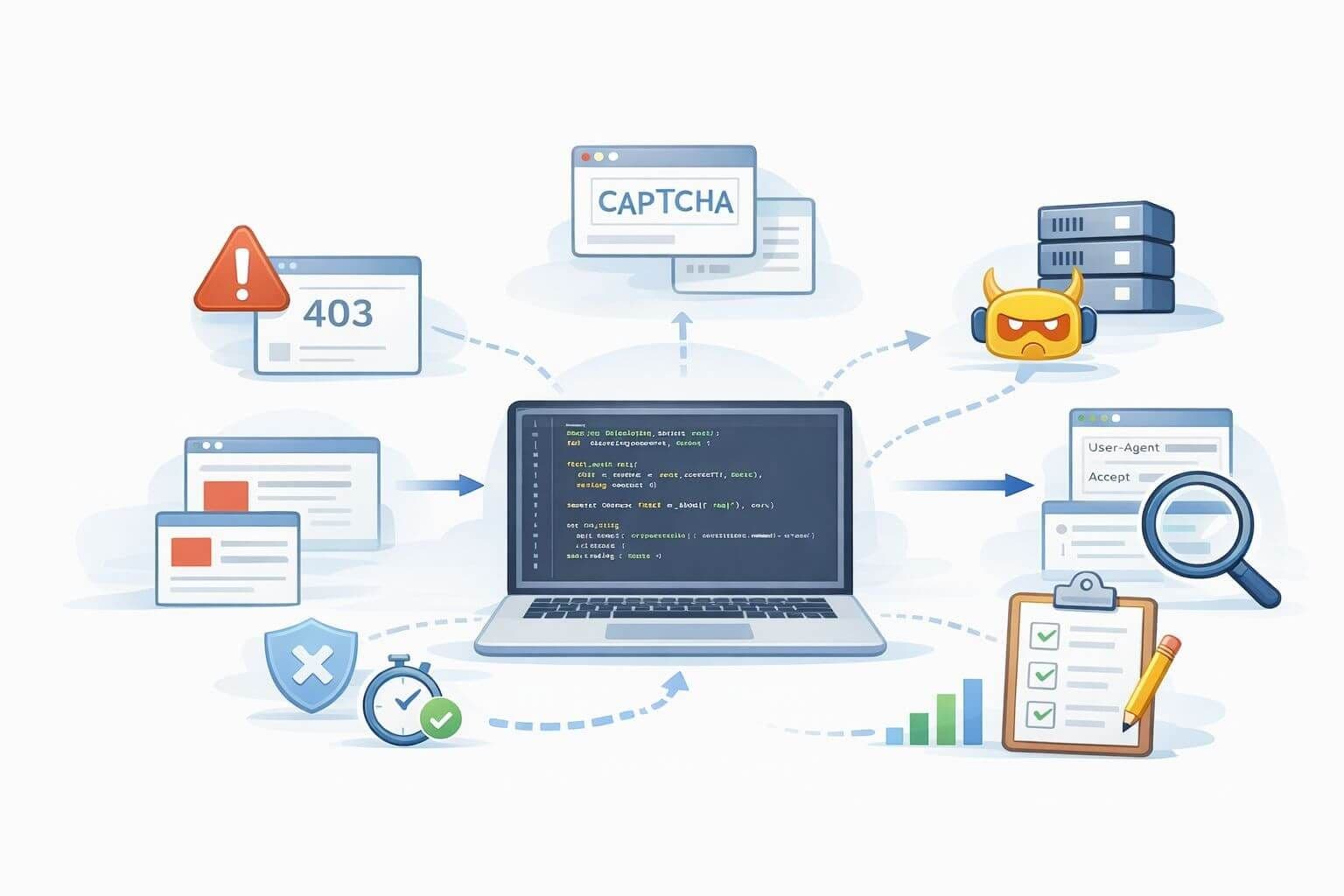
Every scraper eventually hits the same wall: things work fine in staging, then production traffic ramps up and suddenly you’re staring at CAPTCHAs, 403s, or empty pages. It’s not always obvious whether the problem is your code, your proxies, or a new anti-bot rule.
This guide walks through how to debug scraper blocks in a structured way: how to recognize detection signals, compare fingerprints, tune retry logic, and decide when to back off. It is written for developers building serious scraping, monitoring, and data pipelines—not quick weekend scripts.
Before you can debug, it helps to understand what you’re up against. Modern defenses rarely rely on a single signal. Instead, they combine multiple weak signals into a risk score.
Common detection signals include:
Traffic patterns
Protocol and header anomalies
Accept, Accept-Language, Referer, or sec-ch-* headersBehavioral signals (especially for JS-heavy sites)
Account and session patterns
When you get blocked, it’s usually because several of these signals stacked up, not just “too many requests.”
Step one is to confirm you are actually blocked, not just seeing ordinary network or app errors.
Typical block symptoms:
Run a sanity check by loading the same URL through your browser and proxies to compare behavior. If you're seeing blocks only through proxies, the issue could be reputation-related. For a structured approach, consider debugging large-scale crawl failures.
Debugging requires visibility. Log:
Comparing these metrics across proxies and sessions helps identify whether issues cluster around certain proxies or headers. Our guide on managing IP reputation offers further insight.
Status codes are your clues:
| Code or Pattern | Likely Cause | Action |
|---|---|---|
| 403 Forbidden | Fingerprint or IP block | Adjust headers, rotate proxies |
| 429 Too Many Requests | Rate limit | Backoff, spread traffic |
| 200 OK with wrong content | Soft block | Inspect page titles and length |
Look beyond the code. Combine with fingerprint checks and request patterns.
Your scraper’s headers and behaviors should mimic real users. Use browser DevTools to extract real-world headers and reproduce them in your requests. To simplify this process, explore automated browser frameworks or consult how to rotate datacenter proxies using automation tools.
Datacenter proxies vary in hygiene and IP reputation. Ask:
Affordable bulk datacenter proxy plans make it easy to maintain large IP pools for load balancing.
Excessive CAPTCHAs indicate friction. Try:
A risk-conscious scraping strategy, as covered in datacenter proxy risks, avoids compliance issues and hard blocks.
Retries should distinguish between transient failures and real blocks. Use exponential backoff, circuit breakers, and retry caps. Never retry 403s without evaluating root cause. See automation infrastructure at scale for resilient system design tips.
Turn lessons into repeatable playbooks:
Teams operating at scale benefit from structured monitoring. Learn how to build scalable proxy pools.
Scraper blocks are not random. With the right data, tools, and process, they become solvable engineering challenges. Use clean proxies, simulate realistic behavior, and apply intelligent retry logic to keep your pipelines stable.
ProxiesThatWork provides high-quality datacenter proxies for developers managing serious scraping and monitoring systems. Pair robust infrastructure with a structured debugging approach, and you’ll spend more time gathering insights—and less time fighting 403s.
Nicholas Drake is a seasoned technology writer and data privacy advocate at ProxiesThatWork.com. With a background in cybersecurity and years of hands-on experience in proxy infrastructure, web scraping, and anonymous browsing, Nicholas specializes in breaking down complex technical topics into clear, actionable insights. Whether he's demystifying proxy errors or testing the latest scraping tools, his mission is to help developers, researchers, and digital professionals navigate the web securely and efficiently.