

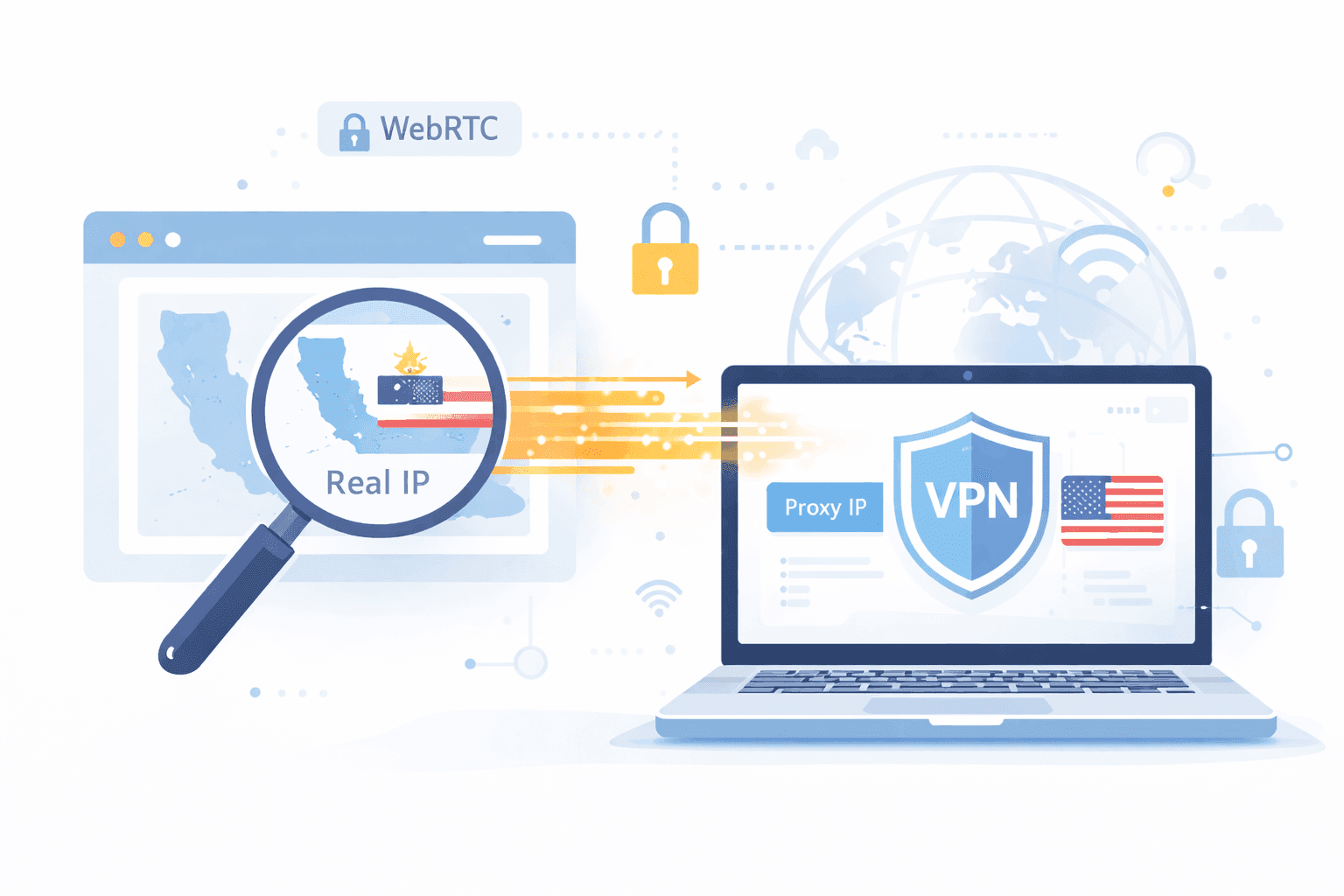
If you use proxies or VPNs to hide your IP address, there is a hidden risk that many people overlook: WebRTC leaks.
A WebRTC leak can silently expose your real IP address, even when you're connected to a VPN or routing traffic through proxies. For teams doing web scraping, geo-testing, automation, SEO audits, price monitoring, or account management, this can completely undermine anonymity and lead to blocks, bans, or inaccurate results.
This guide explains what WebRTC leaks are, how they work, who is affected, and how to prevent them properly, with production-grade, proxy-aware strategies. If you're just getting started, see our introductory guide on proxies to build a foundational understanding.
WebRTC (Web Real-Time Communication) is a browser feature that enables real-time voice, video, and data exchange without needing plugins. It's built into modern browsers like Chrome, Firefox, Edge, and Opera.
To reduce latency, WebRTC tries to establish direct peer-to-peer connections using techniques like STUN (Session Traversal Utilities for NAT). However, in doing so, it may leak your true IP address, bypassing your VPN or proxy tunnel.
A WebRTC leak occurs when your browser reveals your real public or private IP address via WebRTC, even if:
This side channel allows websites to bypass VPN or proxy layers and extract identifying IPs.
For production systems, this undermines scraping workflows, automation, and region-based QA. Learn how IP reputation affects automation performance for further context.
These leaks can lead to fingerprinting, geo-detection mismatches, bans, or the correlation of multiple sessions across regions or accounts.
WebRTC uses STUN servers to learn your network's public-facing IPs.
This is especially problematic in headless scraping environments. See our guide on scraping setup with proxies for secure configurations.
If your system depends on browser sessions and geo-sensitive routing, you're vulnerable.
Signs of a WebRTC leak:
Firefox
about:configmedia.peerconnection.enabled = falseFor automated flows, use hardened browser profiles with WebRTC disabled.
proxy option)In scraping pipelines:
See our guide on headless vs raw HTTP clients to understand when browsers are necessary.
A German proxy is used for scraping, but WebRTC leaks the user’s US IP. The result:
Leaks like this invalidate your data and increase risk.
| Action | Impact |
|---|---|
| Disable WebRTC | Stops most leaks |
| Disable IPv6 | Blocks common side-channel vector |
| Use browser proxy settings | Ensures traffic control |
| Isolate profiles | Reduces correlation risk |
WebRTC leaks are a silent threat to proxy-based operations. Disabling WebRTC, hardening your browsers, and using datacenter proxies with full protocol control is essential.
Protect your data operations with affordable bulk datacenter proxies that support session routing and hardened network paths. Don't let silent leaks ruin your scraping, automation, or analytics integrity.
Jesse Lewis is a researcher and content contributor for ProxiesThatWork, covering compliance trends, data governance, and the evolving relationship between AI and proxy technologies. He focuses on helping businesses stay compliant while deploying efficient, scalable data-collection pipelines.