

Proxies That Work logo

HTTP vs SOCKS Proxies for Scraping: When to Use Each

By Nicholas Drake1/29/20265 min read
HTTP vs SOCKS Proxies for Scraping: When to Use Each

Choosing between HTTP and SOCKS proxies for scraping is less about which is "better" and more about which is right for your stack, target sites, and operational constraints. Pick wrong and you risk timeouts, DNS leaks, or compatibility friction. Pick well and your crawlers become faster, harder to fingerprint, and easier to maintain. This guide walks through HTTP vs SOCKS proxies for scraping, what changes technically under the hood, and how to decide with confidence.

Related reading:

Quick Refresher: What Each Proxy Actually Does

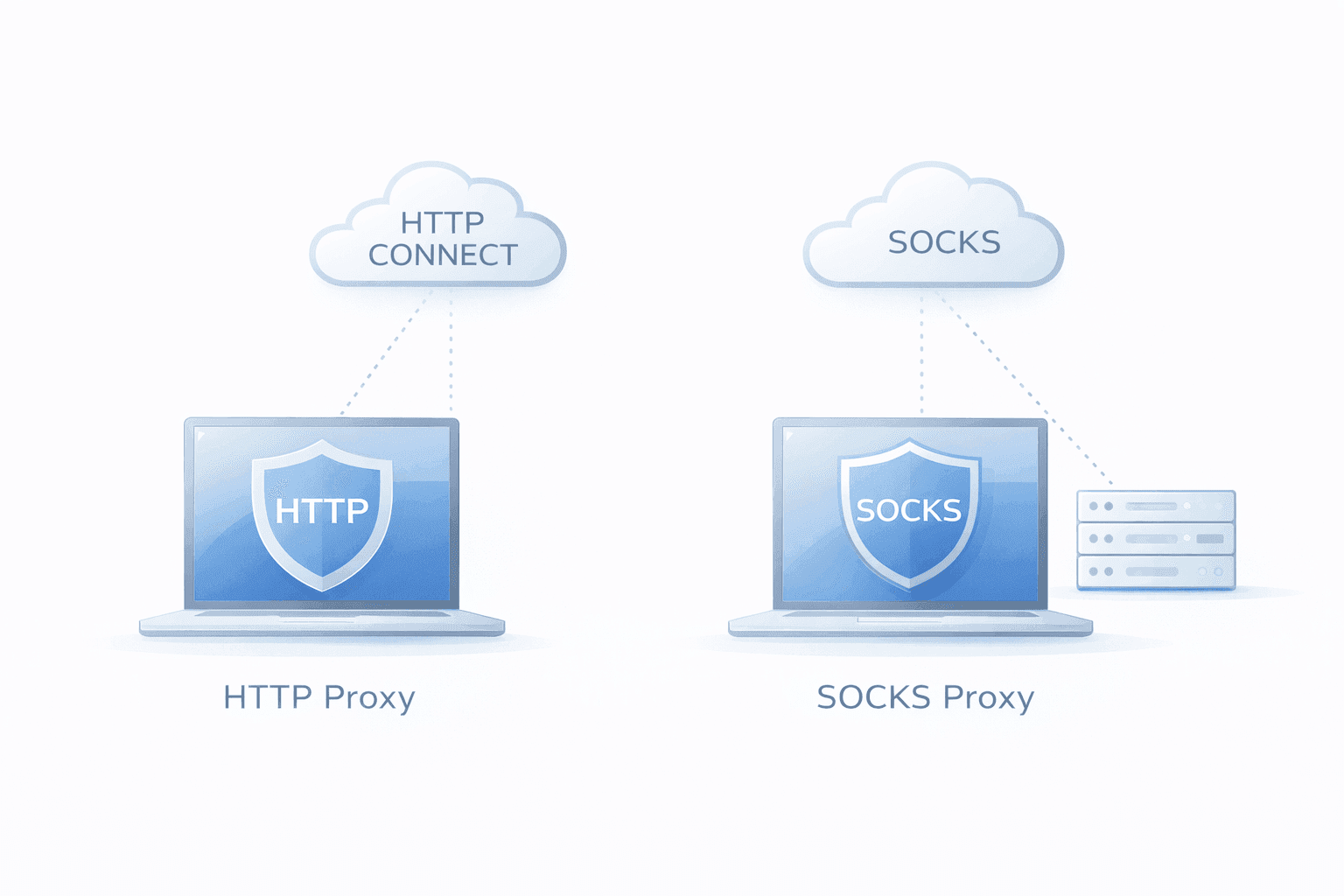
  • HTTP proxy: An application-layer forward proxy that understands HTTP. For HTTPS targets, clients use the CONNECT method to create a tunnel and negotiate TLS.
  • SOCKS proxy (usually SOCKS5): A lower-level proxy that forwards TCP (and optionally UDP) traffic, without parsing HTTP.

How the Target Site "Sees" You

  • Plain HTTP via HTTP proxy: Proxy can inject headers unless disabled.
  • HTTPS via HTTP CONNECT or SOCKS5: Appears as a regular TLS client; DNS behavior and IP source are key differences.

HTTP vs SOCKS Proxies for Scraping: The Practical Differences

Dimension HTTP Proxy SOCKS5 Proxy
Protocol layer Application (HTTP) Transport (TCP/UDP)
HTTPS handling CONNECT tunnel Native TCP tunnel
DNS resolution Usually local Local or remote
UDP support No Yes (SOCKS5 only)
WebSockets Yes via CONNECT Native
Library support Broad Good w/ adapter
Header exposure May inject headers Not applicable
Common use cases Web APIs, sites Streaming, mixed protocols

A Simple Decision Path

  1. Only scraping HTTP(S)? HTTP proxy is simpler.
  2. Need remote DNS to avoid leaks or for geo-location? Prefer SOCKS5 with socks5h.
  3. Non-HTTP protocols or UDP? SOCKS5.
  4. Using headless browsers? Test both for stability.
  5. Tooling/CI compatibility? Pick what fits, validate with a proxy check.

Common Pitfalls

  • DNS leaks: Use SOCKS5 with remote DNS or ensure your HTTP client tunnels properly.
  • Proxy URL confusion: socks5h:// = remote DNS, http:// = HTTP proxy.
  • Authentication mismatch: Confirm client supports Basic (HTTP) or username/password (SOCKS).
  • Port restrictions: SOCKS5 may handle non-standard ports better.
  • Sticky session support: Validate provider for session persistence.

Examples

curl

curl -x http://user:pass@proxy:port https://example.com
curl --socks5-hostname user:pass@proxy:port https://example.com

Python (requests)

# HTTP
proxies = {"http": "http://user:pass@proxy:port", "https": "http://user:pass@proxy:port"}

# SOCKS5
proxies = {"http": "socks5h://user:pass@proxy:port", "https": "socks5h://user:pass@proxy:port"}

Node.js (undici)

const agent = new HttpsProxyAgent('http://user:pass@proxy:port')
const { body } = await request('https://httpbin.org/ip', { dispatcher: agent })

Playwright

// HTTP
proxy: { server: 'http://user:pass@proxy:port' }

// SOCKS5
proxy: { server: 'socks5://user:pass@proxy:port' }

Performance & Reliability Considerations

  • Connection reuse: Both support persistent sessions.
  • Pool quality > protocol: ASN mix, IP rotation, and latency dominate outcomes.
  • Concurrency per IP: Moderate to avoid bans.
  • Timeout tuning: Use separate connect and read timeouts.

Anti-Bot Detection: What Matters

  • TLS fingerprints: Use realistic headless or real browsers.
  • DNS behavior: Avoid mismatched resolution. SOCKS5h preferred.
  • HTTP/2 headers: Avoid anomalies; prefer HTTPS for opacity.
  • IP reputation: Choose reputable proxy providers.

When SOCKS5 Is the Right Default

  • Remote DNS is required
  • Mixed protocols or port diversity
  • HTTP proxy causing unexpected issues

When HTTP Proxies Keep Life Simple

  • Standard web scraping
  • Native HTTP client support
  • Sticky sessions and rotation work reliably

Short Checklist

  • Need remote DNS? SOCKS5h
  • HTTPS scraping only? HTTP proxies fine
  • Using custom protocols/ports? SOCKS5
  • Tooling support? Go with native integration

Operational Tips

  • Use HTTPS-to-proxy to encrypt credentials
  • Instrument proxy checks (e.g. httpbin.org)
  • Maintain a centralized proxy config
  • Circuit breakers for failed requests
  • Log and monitor proxy usage and resolution paths

Wrapping Up

For most web scraping tasks, HTTP proxies offer wide compatibility and simplicity. When DNS resolution, UDP, or non-HTTP protocols are involved, SOCKS5 becomes essential. Real-world performance depends more on proxy pool quality, session management, and fingerprint control than proxy type.

ProxiesThatWork provides affordable, scalable bulk datacenter proxies suitable for both HTTP and SOCKS setups, with advanced features like IP rotation, sticky sessions, and global reach.


Explore related topics:

About the Author

N

Nicholas Drake

Nicholas Drake is a seasoned technology writer and data privacy advocate at ProxiesThatWork.com. With a background in cybersecurity and years of hands-on experience in proxy infrastructure, web scraping, and anonymous browsing, Nicholas specializes in breaking down complex technical topics into clear, actionable insights. Whether he's demystifying proxy errors or testing the latest scraping tools, his mission is to help developers, researchers, and digital professionals navigate the web securely and efficiently.

Proxies That Work logo
© 2026 ProxiesThatWork LLC. All Rights Reserved.