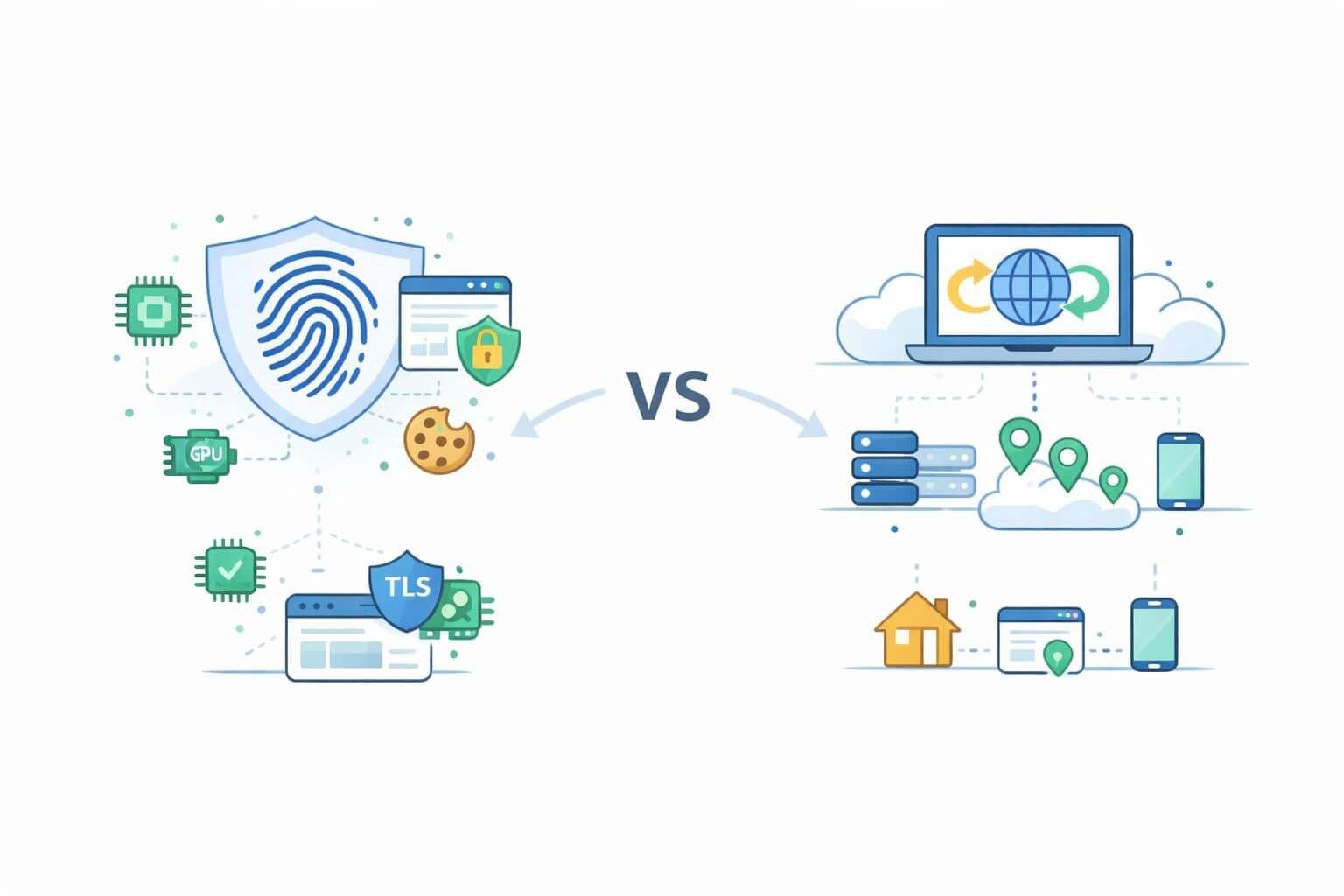
Security teams often reach for rotating proxies to validate defenses or simulate diverse user traffic. But modern risk engines assess far more than just IPs. They combine proxy signals with browser and TLS fingerprints, behavioral telemetry, and session continuity checks. Without aligning network and device identity, proxy masking alone is easy to detect.
This guide compares browser and TLS fingerprinting with proxy masking, showing what each protects (and exposes), along with playbooks for secure collection and effective defense.
Quick Definitions
- Proxy masking: Routing requests through datacenter or residential proxies to change IP, ASN, and location. Learn more in our proxy fundamentals and rotating proxies guide.
- Browser fingerprinting: Profiling unique browser traits like WebGL, locale, fonts, screen size, extensions, and interaction patterns. See fingerprint basics.
- TLS fingerprinting: Identifying TLS clients via Client Hello fields, including JA3/JA4 hashes. More context at cheap proxies and JA3 mismatches.
How Fingerprinting Works Today
Browser Surface
Browsers reveal dozens of identifying traits:
- HTTP headers: Accept-Language, header order, casing, referrer policy
- JS APIs: navigator.*, media capabilities, hardware, WebGL, fonts, screen metrics
- Storage: cookie, local/session storage, durable tokens
- Timing and input: mouse and keyboard entropy, event cadence, layout jitter
- Stack quirks: webdriver flags, extension signals, headless markers
Risk engines evaluate coherence—e.g., a French locale with a US IP and Windows-only GPU on Safari raises red flags.
TLS Fingerprints
TLS handshakes reveal the client stack:
- Cipher suite order, ALPN, JA3/JA4
- Signature schemes, SNI behavior, compression
- HTTP/2 dynamics (priority, headers), QUIC traits
Client inconsistencies—like curl over residential IPs or Node TLS from mobile geos—are easily flagged.
What Proxies Do and Don't Mask
Proxies mask:
- IP address and ASN
- Geo and rDNS
- Some TCP-level traits and reputation scores
But proxies don’t mask:
- TLS handshake (unless TLS is terminated and re-originated)
- JavaScript/browser fingerprint
- WebGL/audio/canvas outputs
- WebRTC and DNS leaks (unless explicitly handled)
Rotating IPs without rotating device identity leads to fingerprint mismatches. A full solution requires coherence across layers.
Detection Stacks Combine Signals
Modern detection engines blend signals:
- Network: ASN, proxy/VPN flags, reverse DNS, velocity
- TLS: JA3, ALPN, HTTP/2 dynamics
- Browser: canvas/audio entropy, storage continuity, webdriver traces
- Behavioral: dwell time, jitter, click timing, error pacing
- Coherence: language vs IP, OS vs GPU, cookie vs session reuse
A clean IP alone can't compensate for fingerprint inconsistencies. See how bulk proxies fail without coordination.
Case Studies
1. Proxy-only masking:
Rotating clean IPs with a stable Node TLS stack works briefly, then fails as the TLS signature reappears across IPs. Solution: rotate both IP and device fingerprint using headless Chrome.
2. Browser spoofing only:
An anti-detect browser mimics Chrome perfectly, but exits via a datacenter proxy from flagged ASN. Result: blocked. Solution: switch to residential IPs and respect per-session IP affinity.
Resilient Collection Playbook
- Align identity: Use IPs that match device class (residential/mobile) and region.
- Use real browsers: Headless Chrome/Firefox with stealth tweaks preferred.
- Match TLS stack: Ensure JA3/ALPN align with real browser behavior.
- Respect coherence: Accept-Language, timezones, WebGL outputs must match IP.
- Prevent leaks: Route DNS, WebRTC, and STUN via the proxy.
- Avoid entropy overload: Don't randomize everything. Favor plausible stability.
Dive deeper in automation infrastructure at scale.
Defense Strategy Playbook
- Stack fingerprints: Combine IP, TLS, and browser entropy.
- Score inconsistencies: Language-OS-IP mismatches signal automation.
- Track sessions: Use cookies, storage tokens, and resumption tickets.
- Collect transport signals: HTTP/2 priorities, QUIC jitter, token reuse.
- Use friction selectively: CAPTCHA or proof-of-work surfaces offer signal, not just rejection.
For more, review security tradeoffs of cheap proxies.
When to Prioritize Which
Prioritize proxy masking if:
- IPs are geo-blocked or ASN blacklisted
- Regional content differences matter
Prioritize fingerprint control if:
- You see 403s despite "clean" IPs
- Repeat JA3 or canvas hash triggers blocks
The best operations do both. Understand both surfaces. Treat network and device identity as a single envelope.
Final Checklist
For collection teams:
- Stock browser with fingerprint realism
- TLS/HTTP2 matching
- Session-stable IPs
- DNS + WebRTC routed through proxy
- Monitor fingerprint entropy
For defense teams:
- Stack signals (IP, TLS, JS, behavior)
- Flag incoherence across layers
- Use adaptive friction before outright blocks
Further Reading
Bottom Line
Proxy rotation hides your network path, but fingerprinting reveals your device identity. Treating them as separate is a recipe for detection. Mature security teams and scraping operations align both—and build systems that tell a single, coherent story to detection engines.